












Delivery times vary depending on the delivery location. We aim to deliver as fast as possible, and you'll be able to track your parcel throughout its journey once tracking details are available. To get your tracking details for your Card Machine delivery, please get in touch with our Support Team using the link below, or contact your Account Manager, and we can provide these details for you.
Once your Acquiring Agreement Application is approved and signed, you'll receive an email with your Merchant Portal Access details. To get access, follow the 'Merchant Portal Access' section on our guide via the link below. If you've forgotten your password, use the 'Reset Password' button to generate a new one and use the easy-to-follow steps on the 'Merchant Portal Access' section of our guide via the link.
You can easily invite new team members to access the Merchant Portal, either as an Admin or with restricted access. Please, refer to the 'Settings - Team Management' in our Merchant Portal Guide.
Settlement time depends on the Settlement Period in your agreement with us. The Settlement Period only counts UK working days, so if a transaction is on a Friday and there is a 3 days UK bank holiday, the Settlement will be credited to the bank account on the following UK working day, i.e. Tuesday. T+1 means you'll receive the funds in your bank account the next UK working day, T+2 is the second UK working day, and T+3 is the third working day.
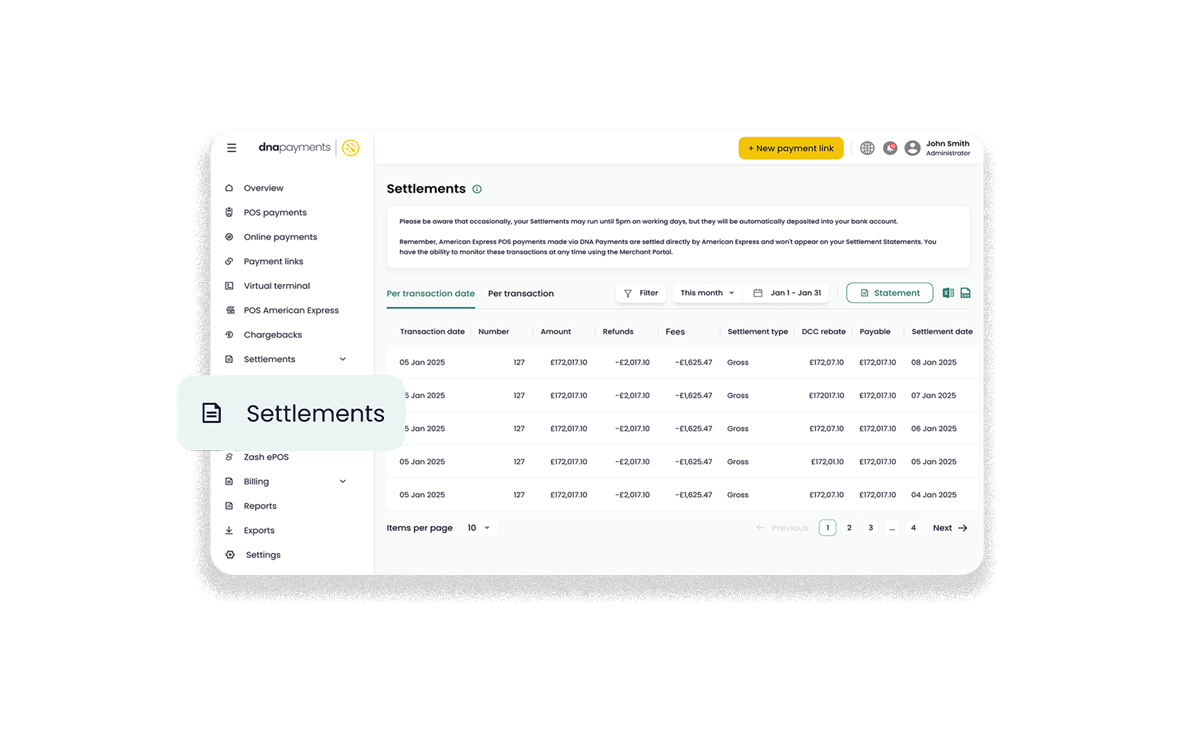
Our Merchant Portal Dashboard contains all the information about transactions and settlements. If the Merchant Portal Dashboard shows 'Not yet settled', the transaction will settle as per your agreement with us. Settlement Statements are downloaded from our Merchant Portal dashboard. Just visit the Settlements tab, set the period and click download. If you need to change your Settlement Period, please get in touch with our Support Team or your account manager.








- Monday - Saturday
- Sundays
- Bank Holidays
- 8:00 am - 8:00 pm
- 9.00 am - 5.30pm
- 9.00 am - 5.30pm
