





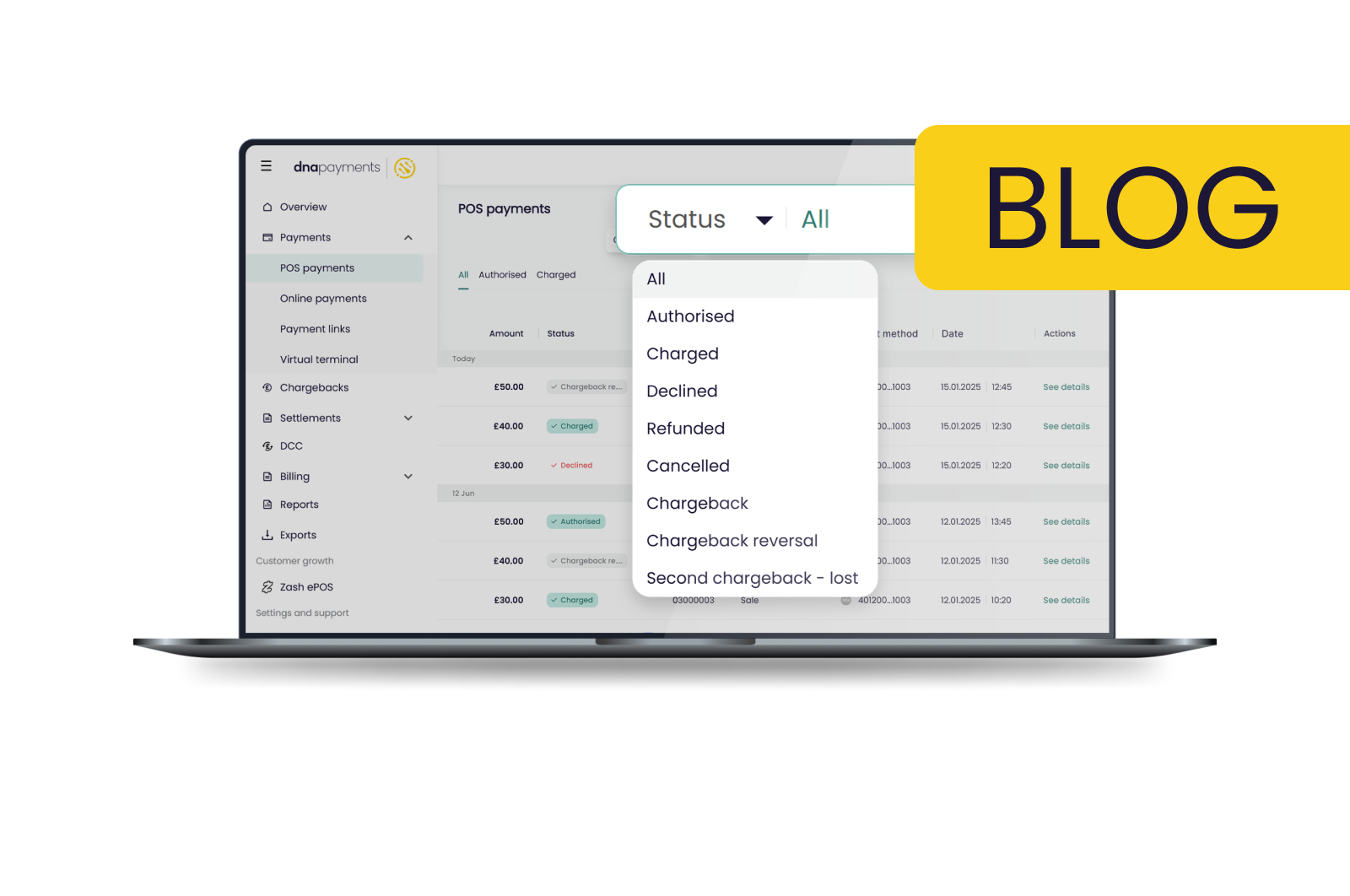


Payments can be confusing because of all the jargon, but at DNA Payments, we work to make things clear and easy to understand. This short guide explains the payment statuses you might see in your Merchant Portal.
Our Merchant Portal is a free tool that lets you monitor, track, and manage your workflow, transactions, refunds, and settlements in real time. It also helps you see the status of all your POS and online payments in one place.
Here’s how you can check the status of your POS and online payments in the Merchant Portal:
- Go to the top search toolbar on the payments page you’ve selected.
- Click the Status dropdown button.
- Choose from the available options in the dropdown menu.
Let’s go over what each payment status means.
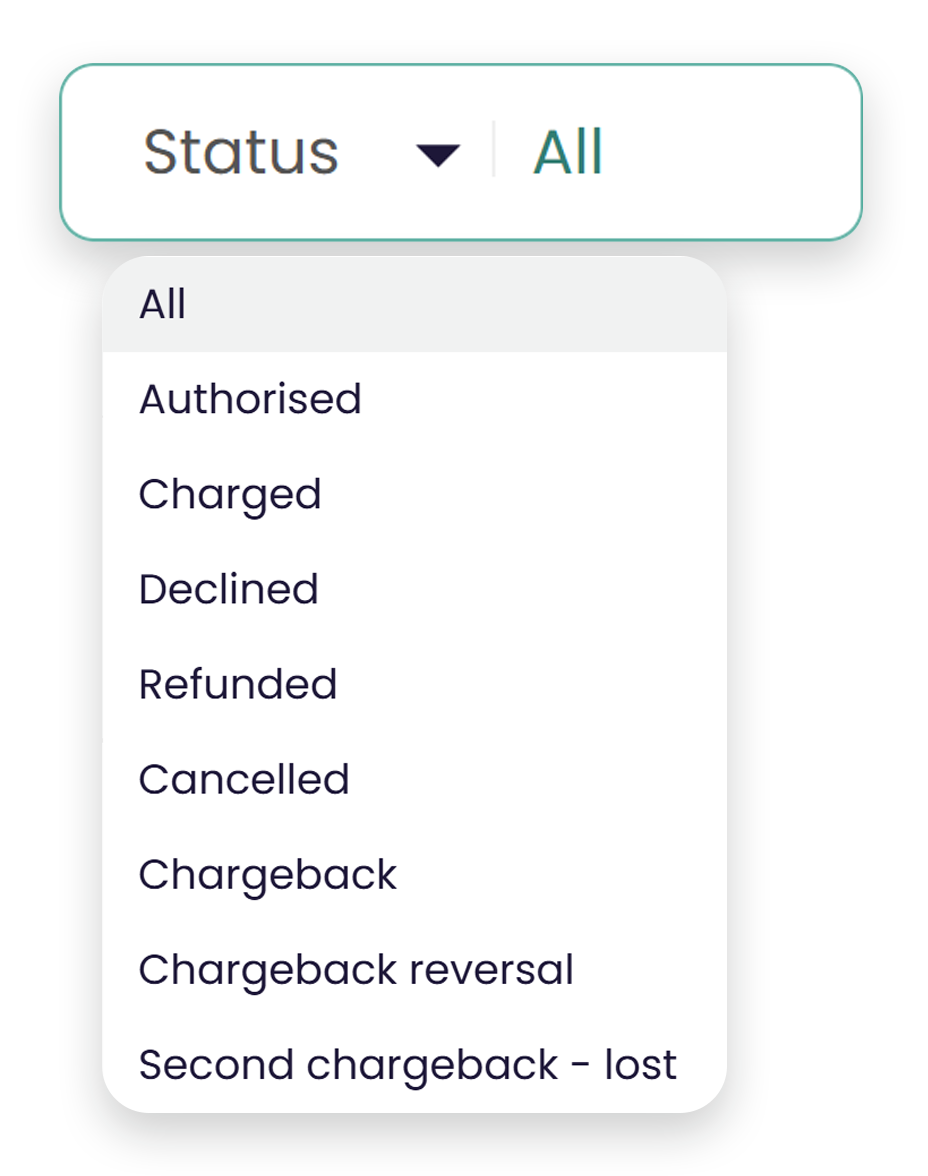
POS payment statuses explained simply
- Authorised: The payment has been authorised by the cardholder’s bank. From here, the transaction will change to Charged or Declined once it is completed.
- Charged: Your payment has been accepted. This confirms the transaction is complete and the payment has been processed to you, the merchant’s account.
- Refunded: The payment has been returned to the customer. You have issued a refund, and it has been credited to the customer’s account.
- Cancelled: The payment has been cancelled by you, the merchant. This can apply to the original payment or to refunds.
- Declined: Your customer’s payment has been declined by their card issuer, or the payment processor, via either DNA direct acquiring or a third-party processor. A declined payment can happen for several reasons, such as insufficient funds.
- Chargeback: A chargeback has been created in your Merchant Portal for one of your payments.
- Chargeback reversal: Your chargeback has been reversed.
- Second Chargeback - Lost: The second chargeback you requested was not successful.
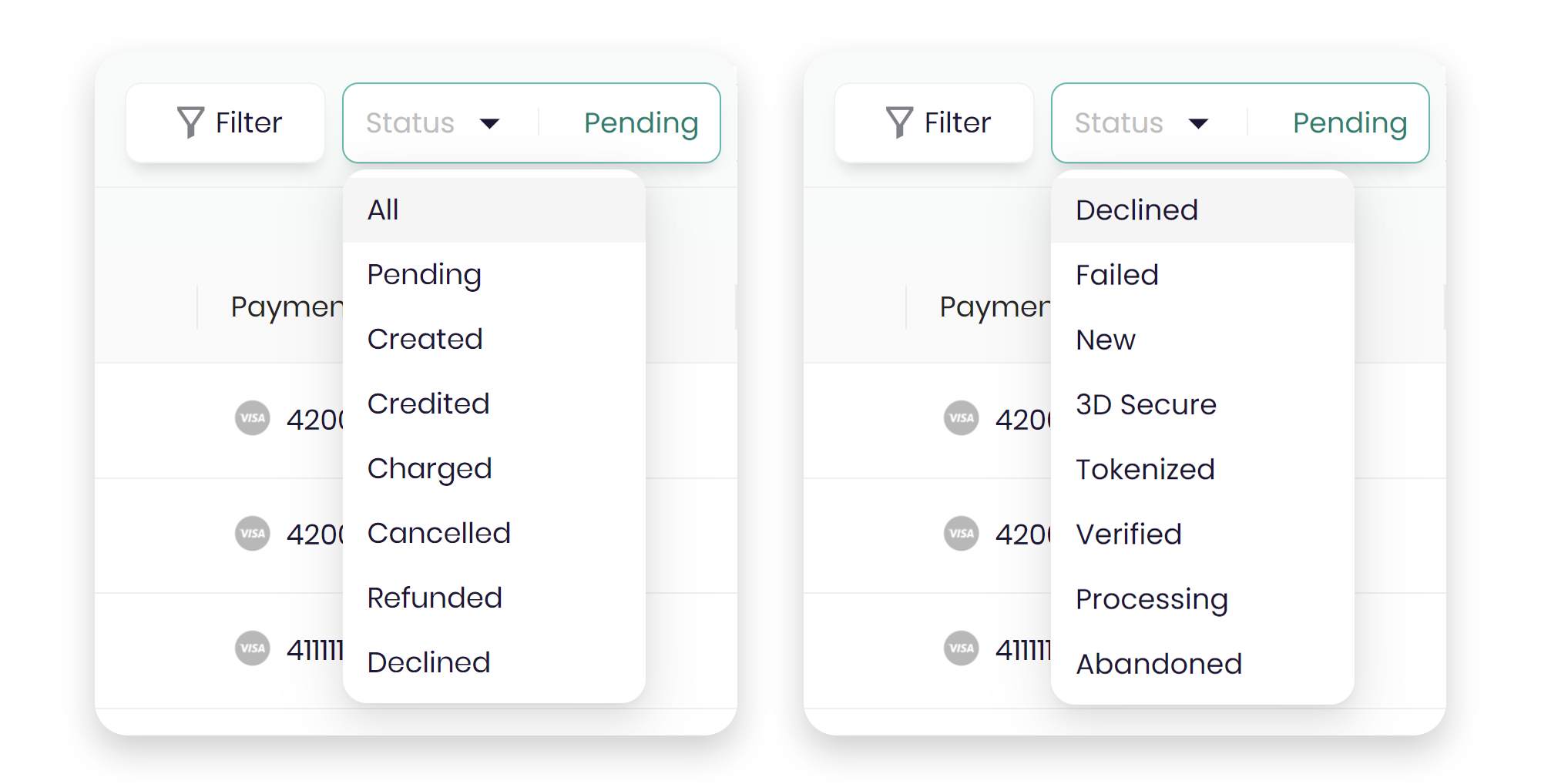
Your online payment statuses will look slightly different
- Pending: Your customer’s payment has been approved and is awaiting charging. This only applies to merchants who use a manual "charge" process.
- Created: This usually applies to alternative payment methods (APM). It means the payment has started and is awaiting completion by the customer or APM.
- Credited/refunded: This means your refund has been completed and credited. You, the merchant, have issued a refund, and it has been processed.
- Charged: This status means your payment is fully complete, and the money has been processed to you.
- Cancelled: This means your customer has cancelled or reversed the transaction through the payment processor, or you have cancelled it in your Merchant Portal.
- Declined: The payment was declined by the card issuer or payment processor. This can happen for a variety of reasons, such as insufficient funds.
- Failed: A payment fails when there are technical issues with the customer’s card, payment method, or the checkout process.
- New: A payment has been started, but processing has not begun yet.
- 3D Secure: The payment is waiting for the customer to complete the 3D Secure step.
- Tokenised: A tokenised request has been completed, and the bank has created a token for payment processing.
- Verified: The card issuer has checked your customer’s payment, and both the card details and payment are fully verified.
- Processing: The customer’s payment is waiting for the issuer or 3D Secure step to finish before it can be marked as Charged or Declined.
- Abandoned: The customer started a transaction but did not finish it, so it was not processed. This usually happens because of insufficient funds, an incorrect payment method, or a lack of a guest checkout option.
In both the POS Payments and Online Payments sections of your Merchant Portal, you’ll see coloured tags next to each payment. These tags show the current status of each transaction, so you always know where it is.
If you want to learn more about using your Merchant Portal, check out our online guide. You can also find helpful FAQs in our Support section.